Creating a productive home office space is essential for staying focused and motivated while working remotely. A well-designed workspace can improve your efficiency, reduce distractions, and promote a healthy work-life balance. Whether you have a dedicated room or a small corner, these tips will help you set up an environment that supports your best work.
1. Choose the Right Location
Selecting the proper spot for your home office is the first step to productivity. Ideally, pick an area that is quiet and free from heavy foot traffic or household noise. Avoid working from your bed or couch, as these can reduce focus and comfort.
If space is limited, consider creative solutions like using a foldable desk in your living room or a small nook near a window. Natural light not only enhances mood but also reduces eye strain.
2. Invest in Ergonomic Furniture
Comfort is key to long hours of work. Invest in a chair that supports your back and encourages good posture. An adjustable desk can also be helpful if you want to alternate between sitting and standing.
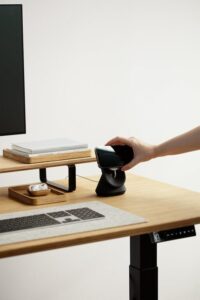
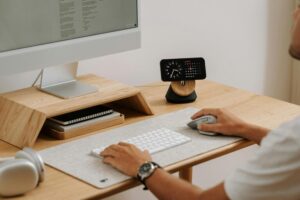
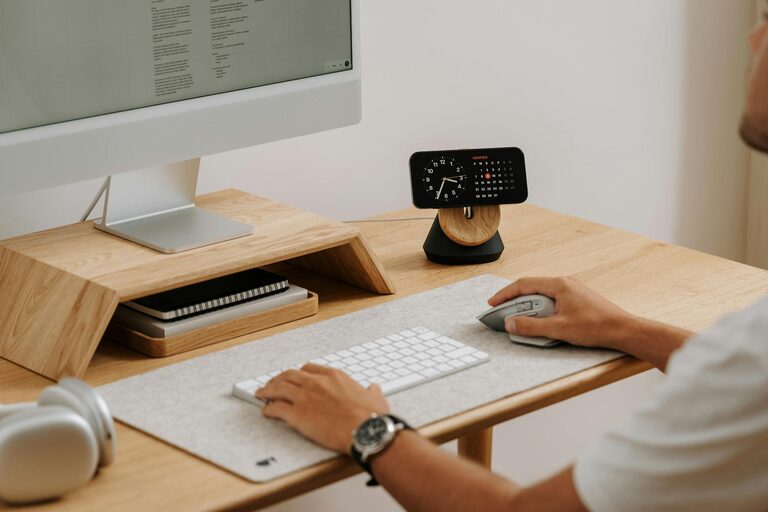
Your desk should be large enough to hold your computer, notepad, and any other essential tools without feeling cramped. Position your monitor at eye level to prevent neck strain.
3. Optimize Lighting
Good lighting is essential for reducing fatigue and maintaining concentration. Use a combination of natural light and task lighting. Position your desk near a window whenever possible, but make sure the light does not cause screen glare.
Desk lamps with adjustable brightness and temperature settings allow you to customize light according to the time of day and your work type.
4. Minimize Distractions
Create a workspace that minimizes interruptions. Use noise-cancelling headphones if your home is noisy or consider white noise apps to mask distracting sounds.
Keep your phone silent or in another room during focused work sessions. Inform family members or roommates of your working hours to reduce unexpected disturbances.
5. Organize Your Workspace
A tidy desk helps keep your mind clear. Use organizers, shelves, and drawers to store office supplies neatly. Label files and keep frequently used items within easy reach.
Cable management is another important aspect. Use clips or sleeves to prevent cords from tangling and cluttering your desk.
6. Personalize Your Space
Adding a few personal touches can make your home office inviting and motivate you to work. Consider adding plants, artwork, or photos that inspire you but avoid overcrowding your space.
Choose a calming color scheme that promotes focus, such as soft blues, greens, or neutrals.
7. Establish Boundaries
Separating work from home life is vital when working remotely. Establish clear working hours and communicate them to others in your household.
At the end of the day, shut down your computer and tidy your desk to mentally signal the end of work.
8. Use Technology Wisely
Equip your workspace with reliable technology. A fast internet connection, a quality headset, and a good webcam are important for virtual meetings.
Consider productivity apps for time management, task organization, and note-taking to streamline your workflow.
9. Take Breaks
Even in a highly productive home office, breaks are essential. Use a timer to remind yourself to stand up, stretch, and take short walks. This helps reduce physical strain and refreshes your mind.
10. Keep Improving Your Setup
Regularly assess your workspace and identify areas for improvement. Your needs might change over time, so stay flexible and adjust your office layout, furniture, or technology as required.
—
By applying these tips, you can create a home office space that supports your productivity and well-being. A thoughtful setup helps make working from home a positive and efficient experience.